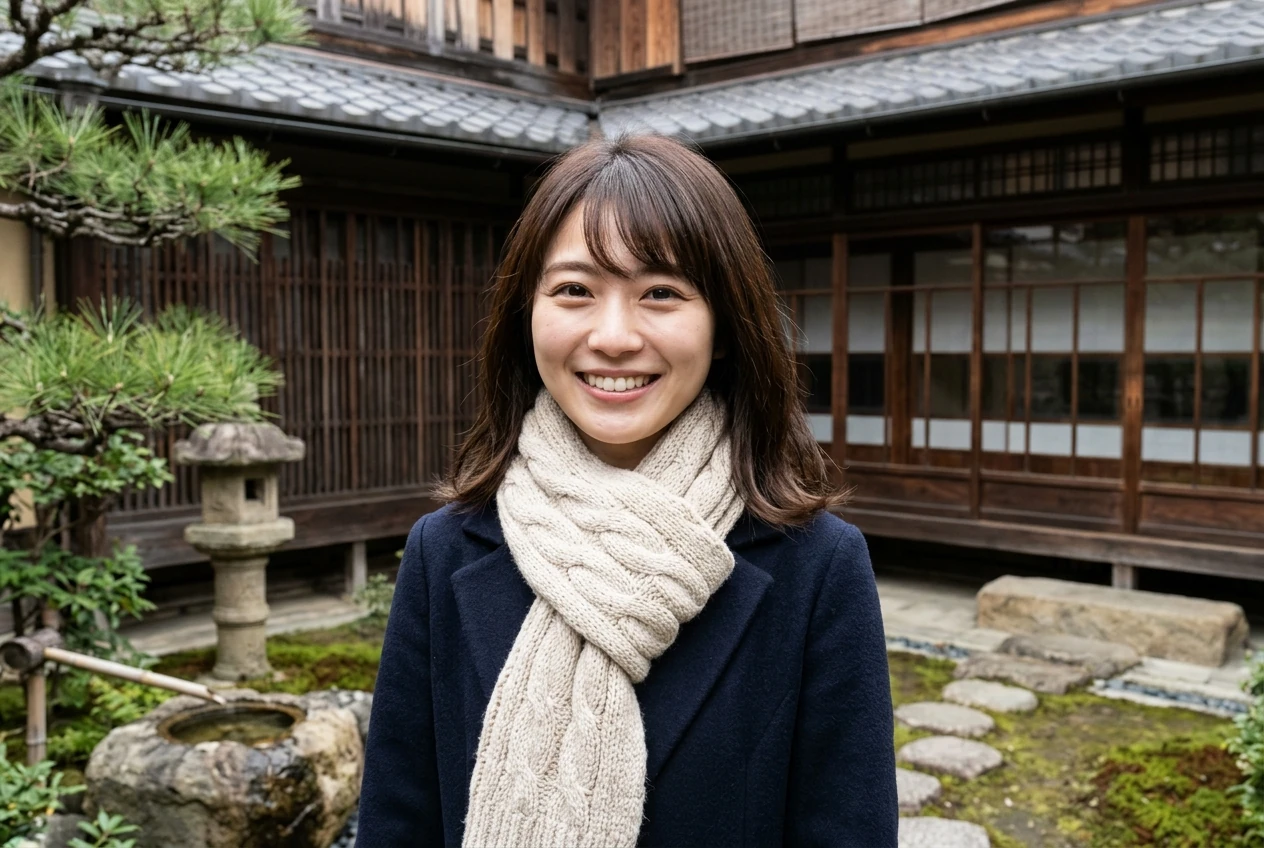
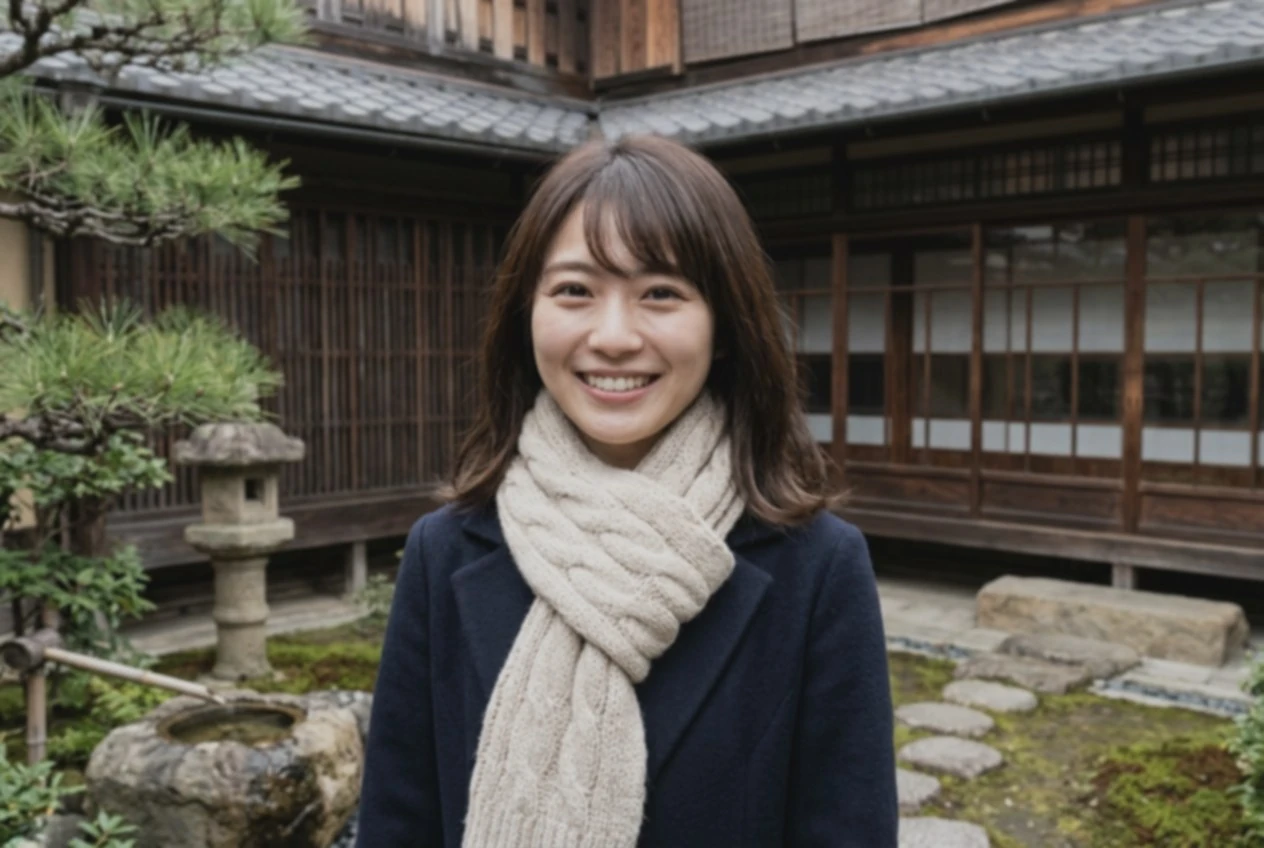
Natural-Light Portrait
A garden portrait with fine hair, skin and knitted scarf details.
Start with gentle enhancement and dedicated face reconstruction switched off. Check eyes, lips and skin texture against your original.
Start with gentle enhancement and dedicated face reconstruction switched off. Check eyes, lips and skin texture against your original.
Real-ESRGAN · 2 credits
This model is not available yet.
Checking availability…
Only use photographs you have permission to process. File privacy & retention
Dedicated face reconstruction is off by default. Details may still change.
Use a private browser session. Recover purchased credits through your payment email.
See the file deadline on every result. Read the retention policy.
Drag the divider to compare before and after.
A garden portrait with fine hair, skin and knitted scarf details.
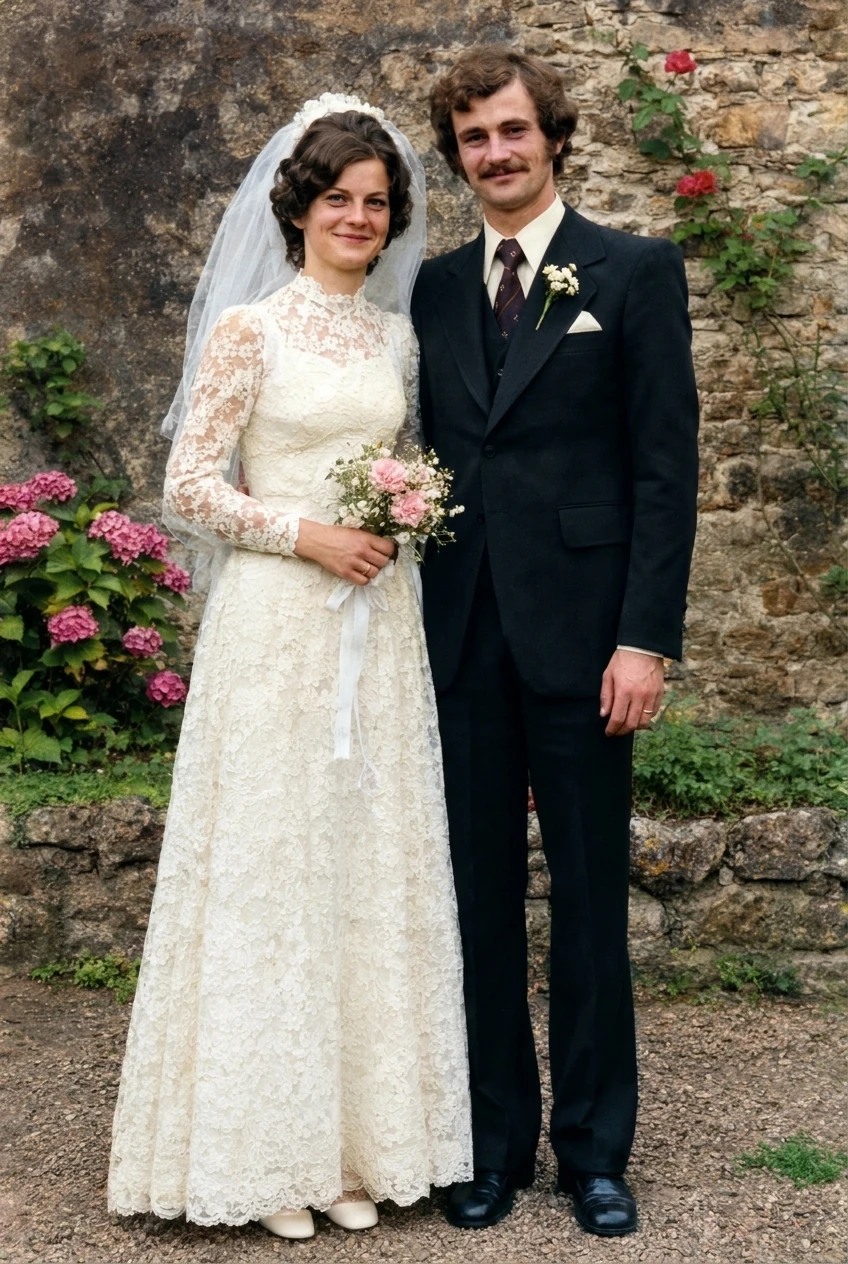
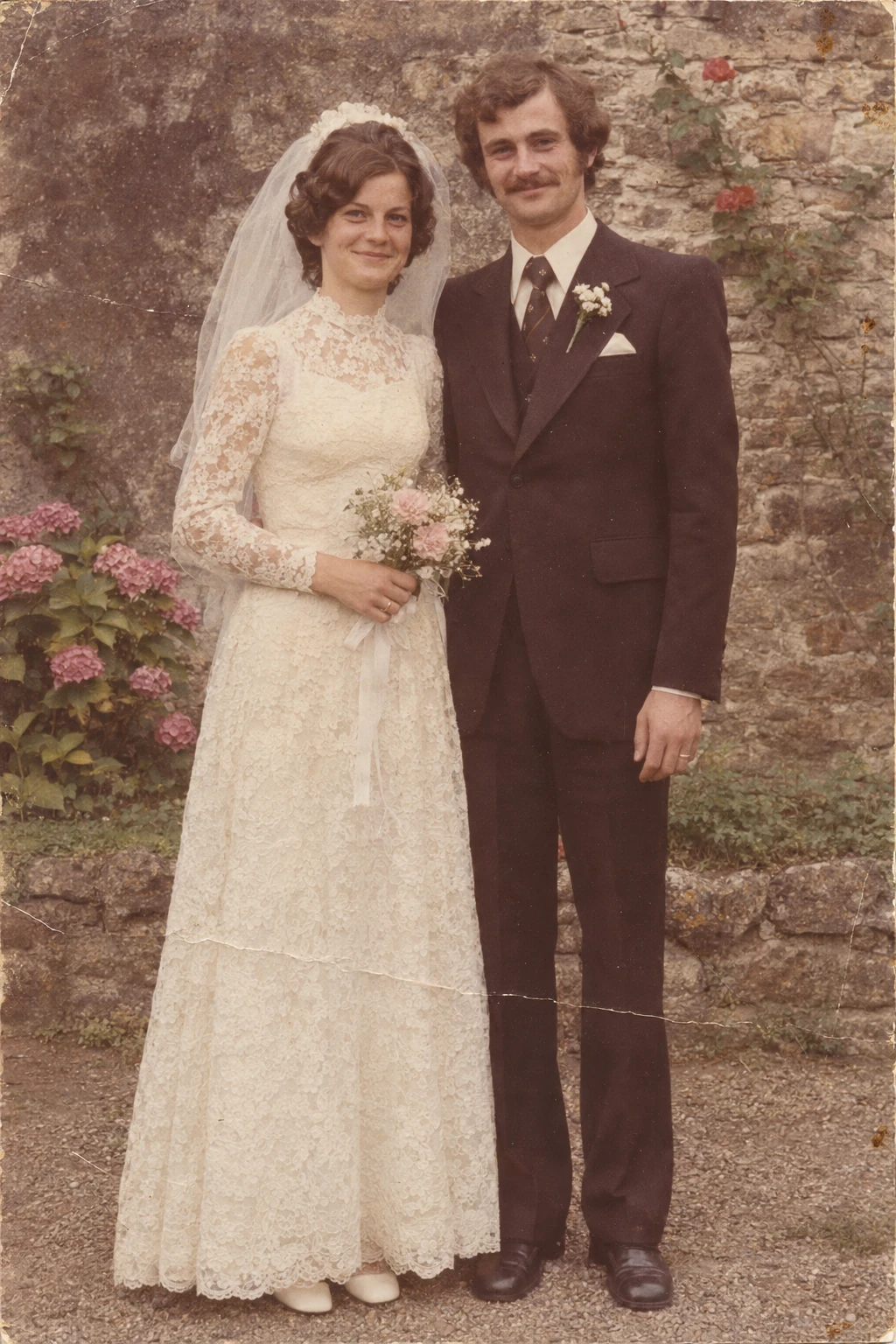
A faded wedding print with scratches and a visible paper crease.
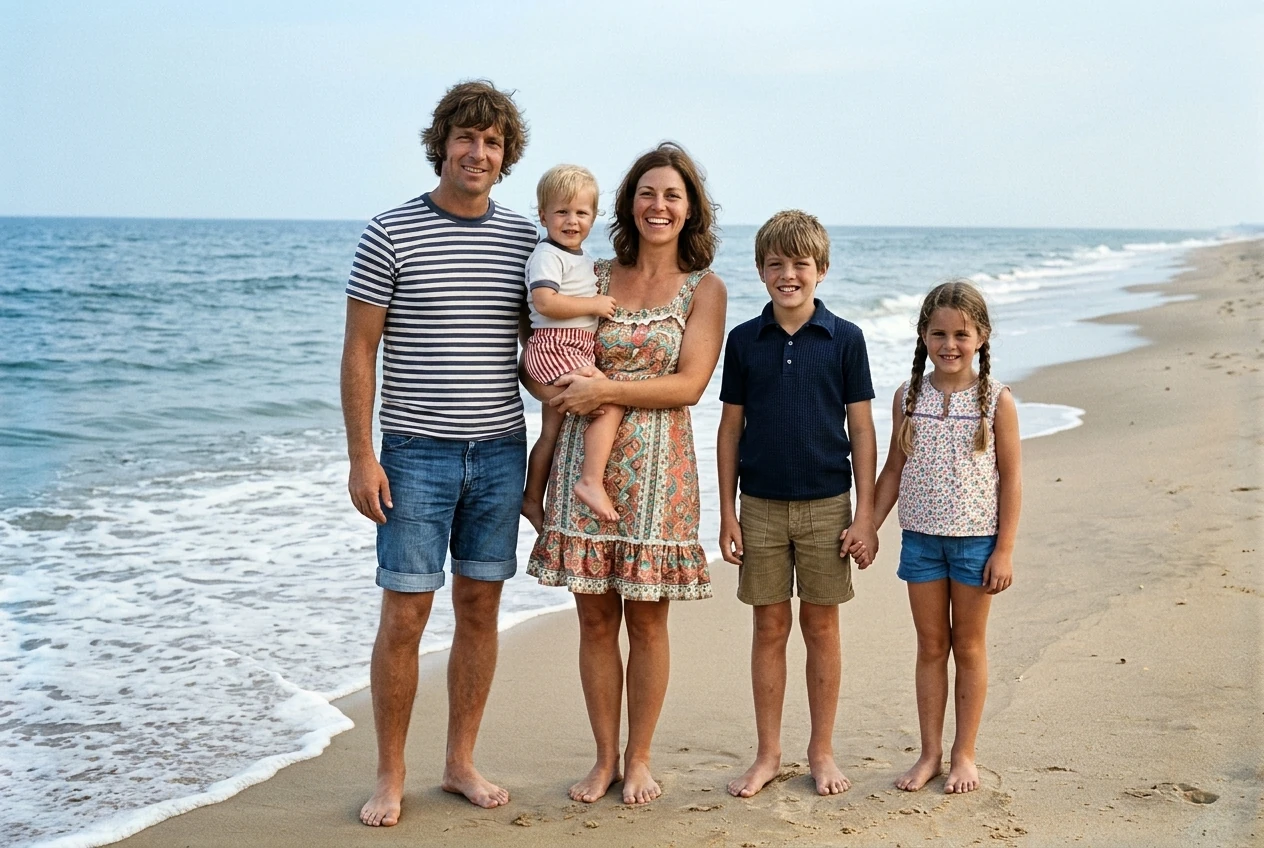
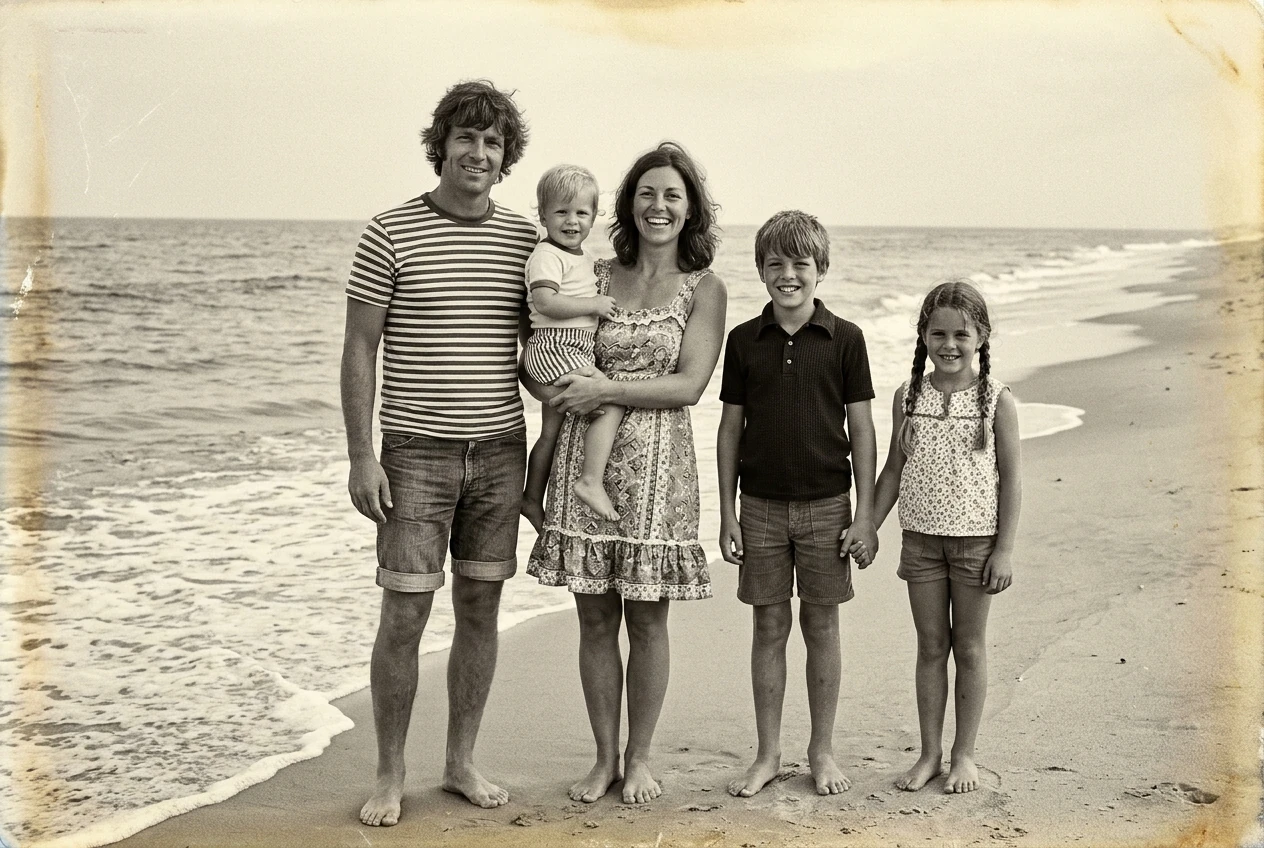
A warm-toned monochrome family photograph from a beach holiday.
Use the earliest, unedited original you have.
Start gently with dedicated face reconstruction off.
Check eyes, lips, hairline and skin before downloading.
• Apply a conservative enhancement with dedicated face rebuilding off.
• Help you compare facial details with the original.
• Guarantee identical facial details after AI enhancement.
• Swap a face or replace someone’s identity.
One-time credit packs. Review the exact task cost before you start.
No. We do not exchange identities, but enhancement can still change fine details.
We do not display uncalibrated identity scores or promise an absolute identity lock.
A technical failure restores the task credits. Credit restoration is different from a refund to your payment method.
The planned file window is at most 24 hours from upload, shared by all results. Processing stays disabled until storage cleanup and provider retention are verified. Read the current policy.
Upload your original on the next tool to keep each operation deliberate. Content updated November 4, 2026. Real model examples are pending.